
Satellite receivers have made it possible to access a huge variety of television services, but maintaining those services requires occasional attention. A channel may change its broadcasting parameters, disappear from an old configuration, or require a new scan before it becomes available again.
Instead of relying on trial and error, users can make the tuning process more effective by understanding the information associated with each broadcast. Correct frequency data combined with suitable receiver settings can significantly improve the chances of finding the desired channel quickly.
We aim through this guide to present satellite-related information in a clear and practical manner. From channel searches and frequency updates to signal reception and receiver adjustments, the information provided here can help make everyday satellite tuning simpler and more convenient.
Satellite receivers have become an essential part of everyday entertainment, providing access to hundreds of TV channels and digital services. While these devices do not consume as much power as larger appliances, their continuous use—especially when left on for long hours—can contribute to unnecessary electricity consumption. By following a few practical tips, you can reduce energy usage, lower your electricity bill, and extend the lifespan of your device.
Turn Off the Receiver When Not in Use
One of the simplest and most effective ways to save electricity is to turn off your device when you are not watching TV. Many users leave their devices running for long periods, even when no one is using them. Switching off the device completely, rather than leaving it idle, can significantly reduce power consumption over time.
Avoid Leaving the Device on Standby Mode
Standby mode may seem like a convenient option, but it still consumes power. Although the consumption is lower than when the device is fully on, it can add up if the device stays in standby mode for many hours every day. If you do not plan to use the device for a long time, it is better to turn it off completely.
Use an Energy-Efficient Receiver
When purchasing a new satellite device, consider choosing a model designed for energy efficiency. Modern receivers often include power-saving features that automatically reduce energy consumption during inactivity. Investing in a newer, energy-efficient device can make a noticeable difference in long-term electricity usage.
Enable Auto Power-Off Settings
Many receivers come with built-in settings that automatically turn off the device after a certain period of inactivity. Enabling this feature ensures that the device does not remain on unnecessarily if you forget to turn it off.
Unplug the Device When Not Needed
If you are going away for several days or do not plan to use the device for an extended period, unplugging it from the power source is a good idea. This completely eliminates any power usage and protects the device from potential electrical issues.
Reduce Screen Time and Usage Hours
Limiting the number of hours the device is in use each day can also help reduce electricity consumption. Try to avoid leaving the TV and device on in the background when no one is actively watching.
Keep the Device Well Ventilated
Proper ventilation helps the device operate efficiently. When a device overheats, it may consume more power and its performance may decrease. Make sure the device is placed in a well-ventilated area and not enclosed in tight spaces.
Turn Off Connected Accessories
Some receivers are connected to external devices such as USB drives or external hard disks. These accessories also consume power. Disconnect or turn them off when they are not in use to save additional energy.
Use a Power Strip with a Switch
Connecting your device and related devices to a power strip with an on/off switch allows you to easily cut power to all devices at once. This is a convenient way to ensure that no electricity is being consumed when the system is not in use.
Keep Software Updated
Updating your device’s software can improve its performance and efficiency. Manufacturers often release updates that optimize power usage and enhance system stability.
Improving Signal Quality for Better Satellite Reception
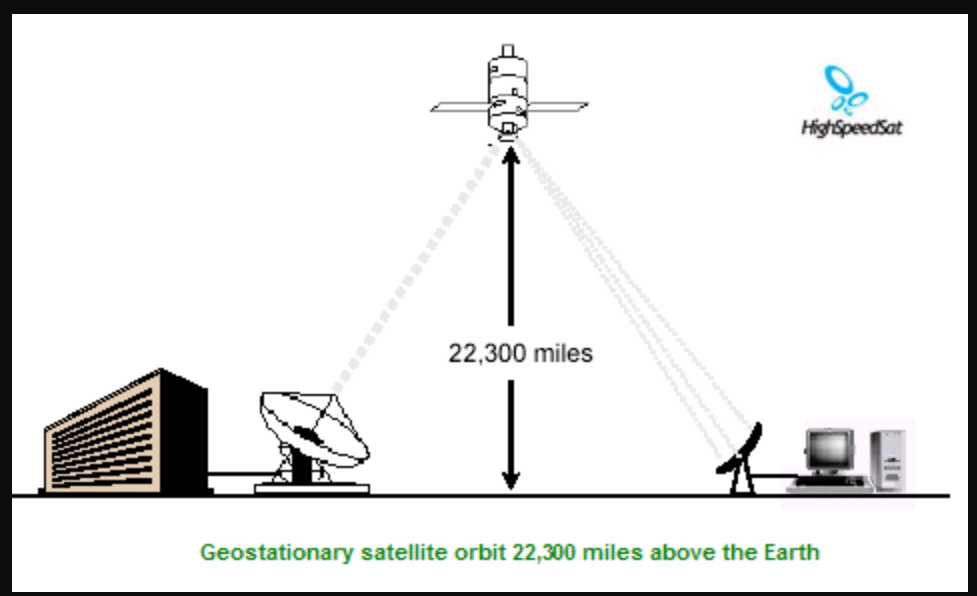
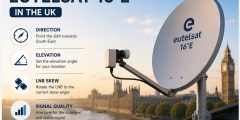
- Fine-tune the dish alignment to achieve the strongest possible signal quality.
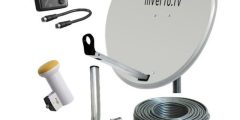
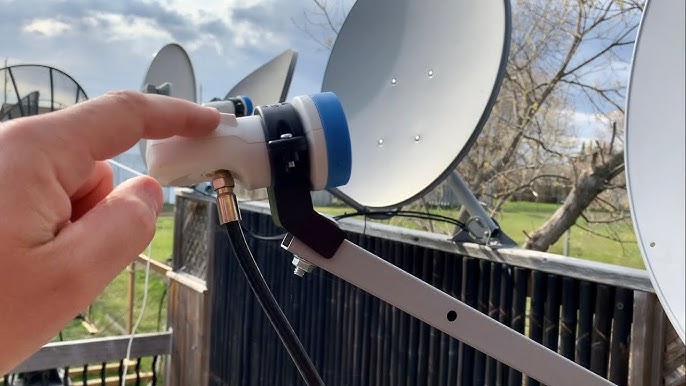
- Inspect the LNB, cables, and connectors for damage, moisture, or loose connections.
- Choose an appropriate dish size for the satellite beam and local reception conditions.
- Keep the dish clear of trees, buildings, and other physical obstructions.