
A good satellite viewing experience begins with a properly configured receiving system. From selecting the correct satellite to entering the appropriate transmission parameters, every setting can influence whether a tv channel is detected and received successfully.
Changes in airing technology and channel configurations may occasionally require viewers to refresh their receivers. In some situations, a simple rescan is enough, while other cases may require checking the antenna positioning or reviewing the transmission clarity.
Throughout this article, we explain the essential information needed for satellite channel tuning and highlight practical methods that can help you overcome reception difficulties and keep your preferred channels available.
Are you suffering from weak or intermittent signals on your satellite antenna? In 70% of cases, the main reason is pointing the antenna in the wrong direction. Finding the correct satellite direction is not as difficult as many think. You can do it yourself in less than 30 minutes using just your smartphone!
In this new, simplified English article, we explain the easiest modern and traditional methods to locate and adjust your antenna direction with high precision.
Why Must the Dish Be Pointed Precisely?
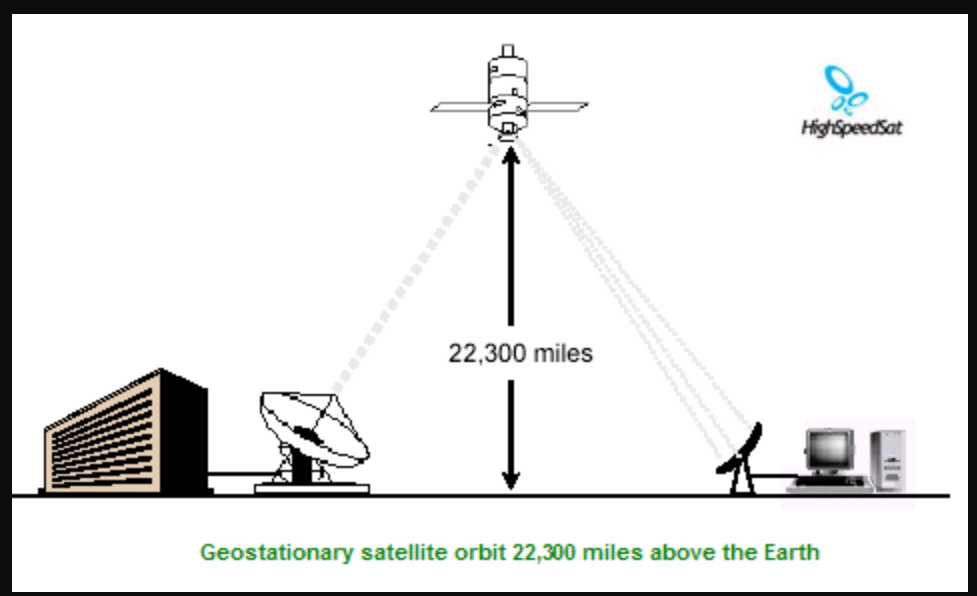
Satellite signals come from 36,000 km above the equator. Even a deviation of just 1 degree can reduce transmission strength by 30-50%. Therefore, accurate pointing = sharp, uninterrupted picture.
The Easiest Method: Using Smartphone Apps (Highly Recommended in 2026)
1. Dish Pointer App (The Absolute Best)
- Download the free app from Google Play or App Store.
- Enter your location (e.g., Giza, Egypt).
- Select your desired satellite:
- Nilesat → 7° West
- Arabsat → 26° East
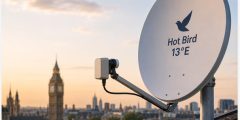
- Hotbird → 13° East
- Astra → 19.2° East
What the app gives you:
- Azimuth (horizontal direction from North)
- Elevation (vertical tilt angle)
- LNB Skew (rotation angle of the LNB)
Example for Giza, Egypt:
- Nilesat 7° West: Azimuth ≈ 206°, Elevation ≈ 38.5°, Skew ≈ +7.5°
2. Satellite Finder or SatFinder Apps
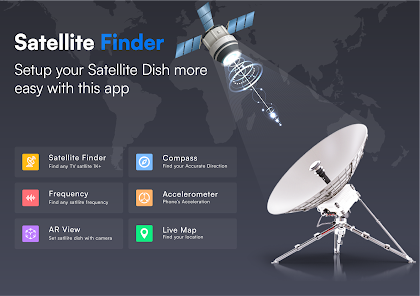
- These apps use your phone’s compass and augmented reality (AR) camera.
- They display a red line on your camera screen showing the exact direction. Simply point your phone toward the sky and follow the line.
Manual Method (Without Internet)
- Use a good compass or your phone’s compass.
- Determine the Azimuth angle (example: 206° = South-West).
- Use an angle meter app (Inclinometer) to set the correct Elevation.
- Rotate the LNB according to the required Skew angle.
Step-by-Step Practical Installation and Adjustment
- Mount the antenna in an open area (high roof with no trees or structures in front).
- Enter the satellite data into your device:
- Use a strong transponder (Example for Nilesat: 12303 H – 27500).
- Enable the Signal Meter function on your device.
- Move the antenna slowly:
- First left and right (Azimuth) until the transmission starts rising.
- Then up and down (Elevation).
- Finally, rotate the LNB.
- Tighten all bolts firmly once you reach the highest transmission (ideally above 92%).
Useful Tools That Will Help You
- Satellite Signal Finder meter (costs $3–8) – offers very high accuracy.
- Dish Pointer app – best free option for beginners.
- Digital angle meter – for precise Elevation measurement.
- Compass – to find the Azimuth direction.
Golden Tips for Perfect Results
- Perform positioning during daytime with sharp weather.
- Always use a strong transponder (Strong TP).
- Avoid using old or deformed dishes.
- After positioning, do a full channel search.
- In Arab countries, focus on Nilesat 7° West as it carries the strongest Arabic channels.
- For multiple satellites, consider using a motorized antenna.
How to Update Your Receiver Automatically to Keep Channels Available
- Enable automated software updates when this option is supported by the device.
- Keep the device connected to a steady satellite transmission or internet connection during updates.
- Check the manufacturer’s refresh settings to ensure new software is installed correctly.
- Back up important channel lists before performing primary system updates.